
How ChatIQ Works

Create, train and launch a AI Chatbot for your website in a few simple steps. Answer Questions, Capture leads and create support tickets automatically.

Launch Your AI Chatbot in Simple Steps

From setup to launch in a simple workflow

1. Create Your Chatbot

Sign up, name your chatbot, and define its role for your website.
2. Train it with your data

Add website pages, documents, FAQs, help articles and businesses content so ChatIQ can answer accurately.

3. Customize the experience

Set the bot name, welcome messages, colors, tone, and instructions to match your brand.

4. Choose conversation categories

Organize chats by type such as sales, enquiries, support requests, product questions, or general questions.

5. Set actions for each category

Capture leads, create support tickets, answer questions instantly, or route the visitor to the right next step.
6. Add ChatIQ to your website

Install the chatbot on your site and start helping visitors right away.
See ChatIQ in action

Lead Generation

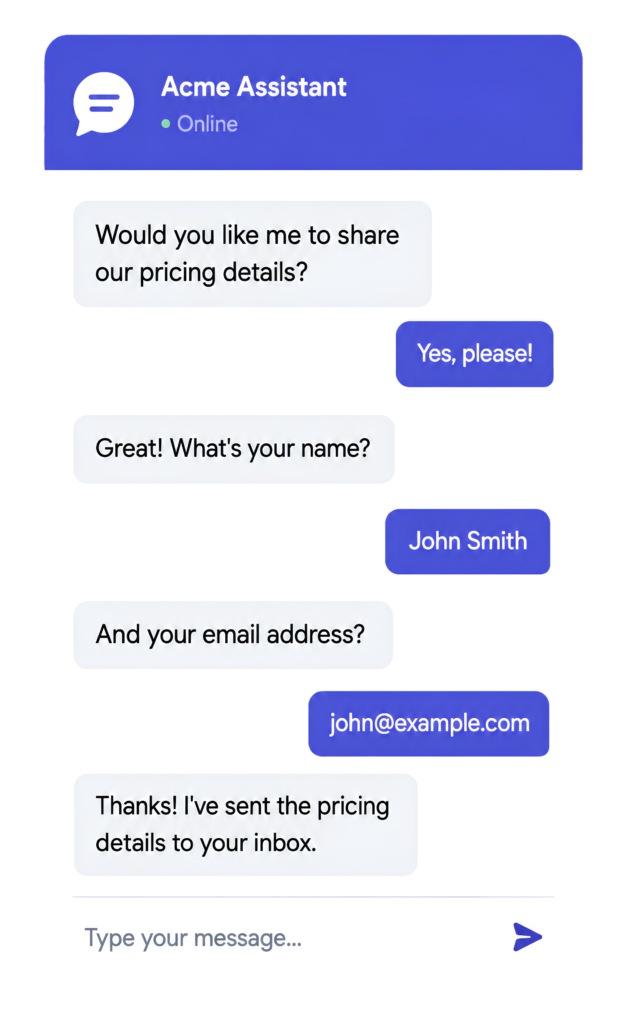
Visitors asks about pricing → Bot answers → Collects name and email

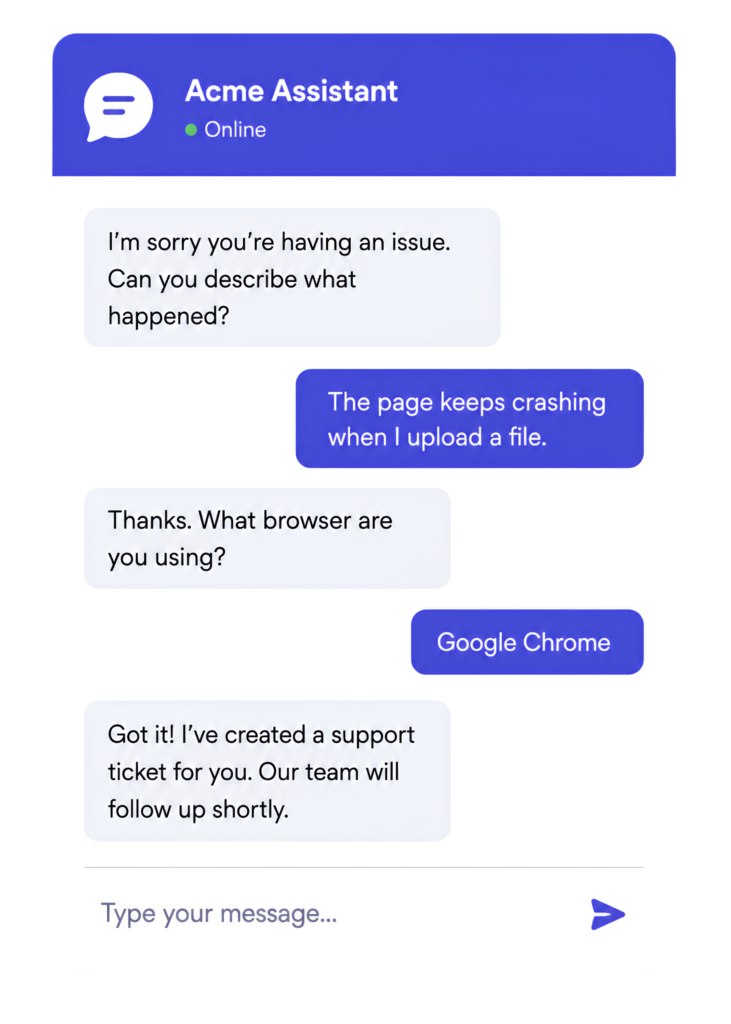
Customer Support

Customer reports an Issue → Bot gathers details → Creates Support tickets

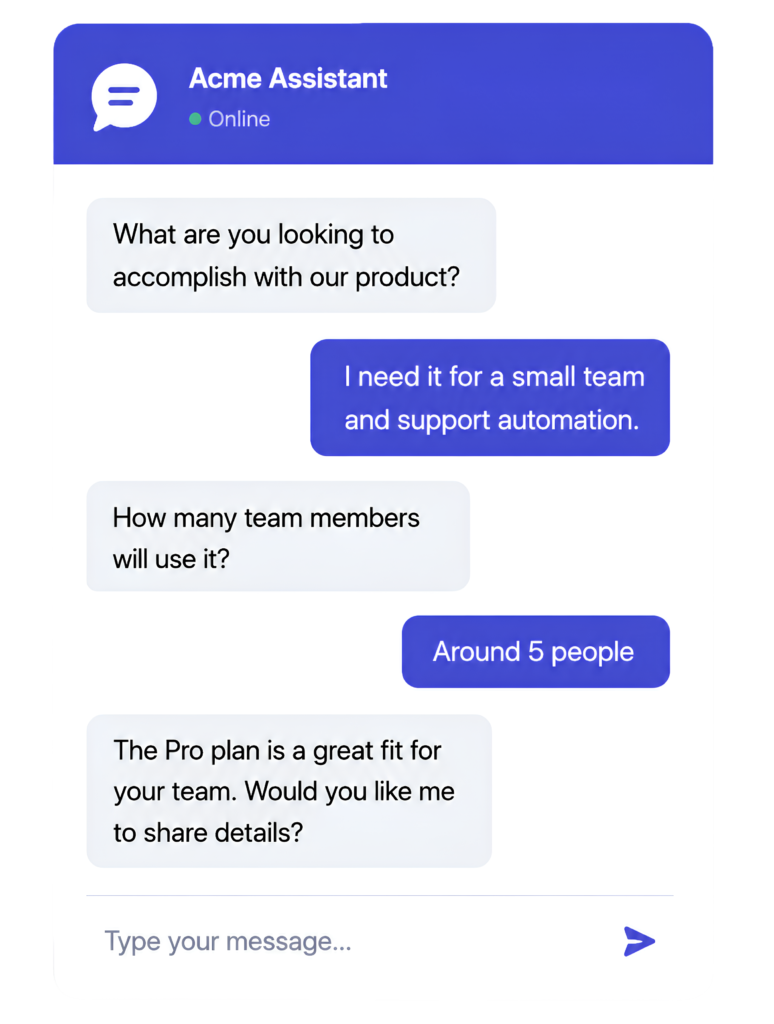
Product Discovery

Visitors asks which plan is right → Bot asks Follow – up questions → recommends best options 

Why Businesses love ChatIQ

Quick Setup

Get Started in minutes and go live in no time.

No Coding Needed

Easy to use even if you're not technical.

Continuous Learning

ChatIQ learns and improves with every conversation.

Enterprise Ready

Secure, scalable, and built for growing businesses.

FAQ

Frequently Asked Questions

ChatIQ is an AI-based chatbot for websites. You can train it using your business data and customize it to answer questions, capture leads, or create support tickets.

You can add business information such as website content, documents, product details, help articles, frequently asked questions, or custom text. ChatIQ uses this information to respond to visitor questions.

Yes. You can configure ChatIQ to collect visitor details during sales or enquiry-related conversations. The information collected can include names, email addresses, phone numbers, and other relevant fields.

No. ChatIQ is designed to help businesses create and add an AI chatbot without building their own system from scratch.

Yes. You can update the data used by your chatbot as your products, services, policies, or business information change.

Yes. When a visitor has a support issue, ChatIQ can collect the relevant details and create a ticket for your team to review.

ChatIQ can organize conversations based on the visitor’s intent or the category you configure, such as sales, support, product questions, or general enquiries.

Yes. You can customize the chatbot’s appearance, welcome message, tone, instructions, lead fields, ticket rules, and other settings.

You can configure the next step based on your workflow. For example, ChatIQ can collect the visitor’s details, create a ticket, or direct the conversation to your team.

ChatIQ offers a free plan so you can create and test your chatbot. Paid plans are available for businesses that need higher usage limits or additional features.